
By Julianna Evans, BM, MM, PMP
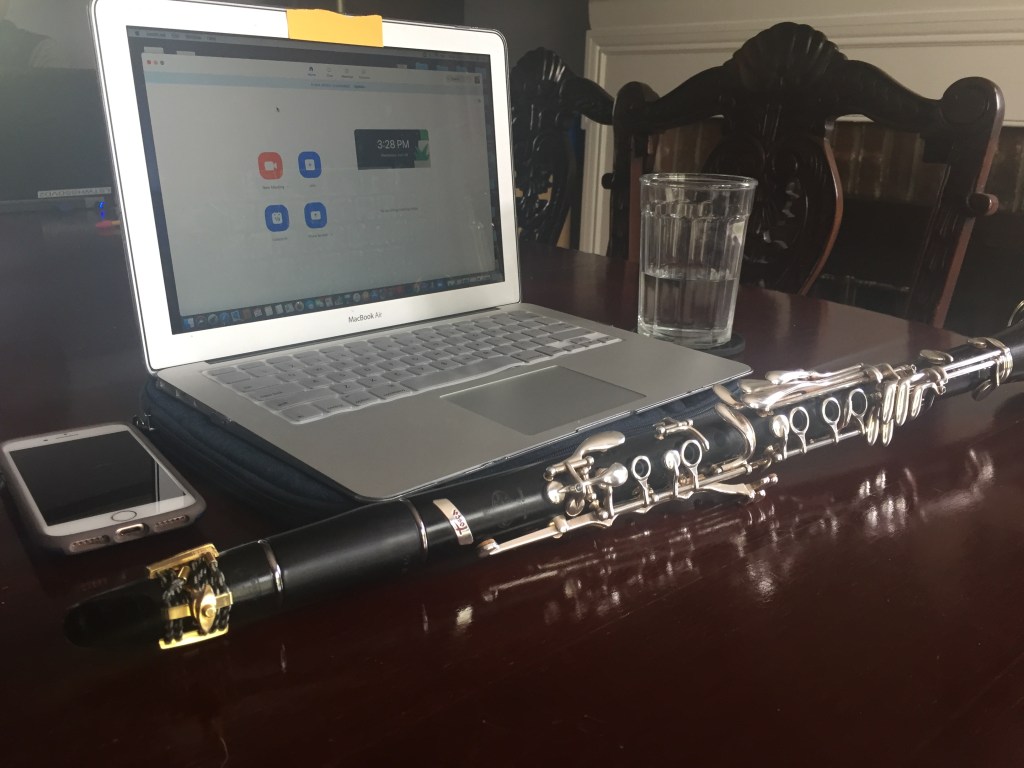
As the world becomes more interconnected digitally and as parents, students and teachers find themselves busier than before, the need for online learning is a popular option. I’ve been teaching virtual lessons off and on again for the last six years with great success. Whether using online lessons to supplement in-person lessons or using it as a popular solution to what’s happening in the world right now, here are a few pointers to get you started.
1. Make sure you’re on the same page, literally.
This takes a little planning ahead of time, but making sure that you and your students have the same music edition in front of you is key for a successful lesson. This can be done by downloading a free version of the app Genius Scan (for iOS) or CamScanner (for iOS and Android). These apps access the camera on your phone and turn any picture into a PDF that you can then email.
2. To Skype, FaceTime, Google Duo or Zoom?
I’ve used Skype, FaceTime, Google Duo and Zoom to do virtual lessons and they all work well. I will say that Skype has dropped a lot of calls for me personally over the years, but some of that might be due to a poor internet connection or older technology. FaceTime works pretty well in a pinch, but if you’re using it on your phone it can be really difficult to see what your student is doing in terms of hand position, fingerings, etc. I have had a better experience with FaceTime when I use my iPad or MacBook. Also, FaceTime is an Apple product and both parties have to use an Apple product for FaceTime to work. Another option for iOS and Android users is Google Duo which allows you to make video calls just like FaceTime without needing an Apple device. Perhaps the most popular app for lessons and meetings right now is Zoom. There are many great features to using Zoom for lessons including sharing your screen with students, sharing links in the “chat” section and being able to record the lesson. The only downside to Zoom is you can only schedule up to 45 minute lessons without having to upgrade to a subscription. Check out this excellent article by Simon Powis from theonlinemusicteacher.com on how he uses Zoom.
3. Do you hear what I hear?
The sound quality across all of these video platforms is obviously not as good as an in-person lesson. I find that it helps to wear headphones while teaching. When I’m listening to students I like to keep both earbuds in and when I’m talking or demonstrating a passage by playing, I will take one earbud out so I can hear myself better. I’m currently using these bluetooth Anker Soundcore Earbuds that are priced around $60 (not sponsored). This practice is working well for me right now. If you’re having trouble with hearing your students clearly, give headphones a try.
Anker Soundcore Life P2 True Wireless Earbuds: https://amzn.to/3cYIgie

Taking time to familiarize yourself with all of these new apps, platforms and technology can be daunting at first, but give it some practice. Once you’ve established a system that works for you, teaching lessons online can be an enjoyable experience!
Discover more from Clarinet Note Studio
Subscribe to get the latest posts sent to your email.
 Clarinet Note Studio